Bring ein Bild mit. Jede Vorlage schreibt den Prompt, wählt Modell und Einstellungen und gibt jeder Einstellung einen Preis, bevor etwas generiert wird. Die Vorlage Produktwerbung kann mit deinem Produkt-Kit starten, und das Modell kannst du jederzeit ändern.
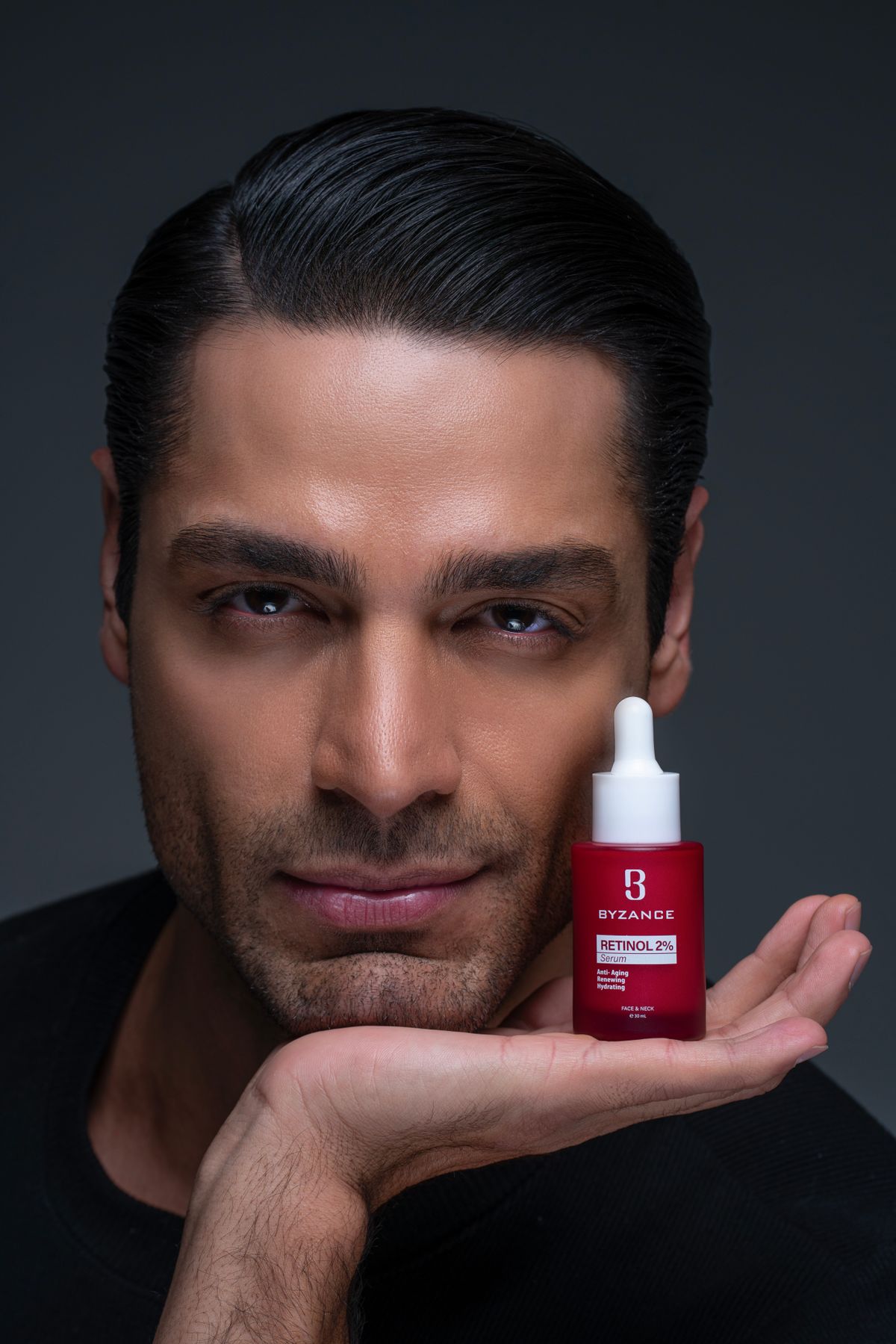
Aus einem Produktfoto werden vier Szenen-Startbilder, jedes nur einen Klick von einem Video entfernt.
Quelle
Stockfoto
Du lädst hoch
Ein Produktfoto, in jede Szene eingearbeitet
Bilder
Schlichtes Studio · Im Einsatz · Natürliche Umgebung · Detailaufnahme
Kategorien
8, erkannt am Foto oder am Namen
Daten
Image Mini · 1K · 768×1344 · 9:16
Kosten
8 cr ≈ 0,08 $ für 4 Bilder
Prompt ansehen
Place the product on a smooth stone plinth in a clean studio, against a seamless warm-gray backdrop, with soft diffused light from the side and a gentle shadow. Keep the product exactly as it is in the photo: the same shape, proportions, colors, materials, label and logo. Change only the setting and the light. Photorealistic commercial product photography with the product in sharp focus. Leave generous empty space around it so the camera can move. Do not add any text, logos or watermarks.
Drei Hochformat-Entwürfe aus einem Foto. Mach vom überzeugendsten einen neuen Take auf Fast.
Quelle
Stockfoto
Du lädst hoch
Produktfoto, als Startbild und Referenz
Einstellungen
Ranfahrt 5 s · Bogenfahrt 5 s · Im Einsatz 5 s
Daten
Mini · 480p · 15 s · 9:16
Kosten
30 cr ≈ 0,30 $
Prompt ansehen
Vertical product ad. the product exactly as in the first frame, on a clean surface. A slow push-in at product height, soft key light from the side, a gentle highlight sweeps across the product, shallow depth of field. The product keeps its shape, label and colors.
Eine langsame Drehteller-Kreisfahrt um dein Produkt.
Quelle
Stockfoto
Du lädst hoch
Produktfoto, als Startbild
Einstellungen
Kreisfahrt 5 s
Daten
Fast · 720p · 5 s · 1:1
Kosten
34 cr ≈ 0,34 $
Prompt ansehen
A slow 360-degree turntable orbit around the product, starting exactly as it looks in the first frame. Soft studio light, seamless backdrop, crisp reflections, the product stays centered and sharp.
Hände öffnen eine Schachtel und enthüllen dein Produkt.
Quelle
Stockfoto
Du lädst hoch
Produktfoto, als Referenz
Einstellungen
Enthüllung 5 s
Daten
Fast · 720p · 5 s · 9:16
Kosten
34 cr ≈ 0,34 $
Prompt ansehen
Top-down unboxing: hands lift the lid of a plain box and reveal the product, matching the reference photo. Soft top light sweeps across it, slow dolly in, a calm and satisfying pace.
Ein Model trägt dein Kleidungsstück und geht auf die Kamera zu.
Quelle
Stockfoto
Du lädst hoch
Foto des Kleidungsstücks, als Referenz
Einstellungen
Gang 5 s
Daten
Fast · 720p · 5 s · 9:16
Kosten
34 cr ≈ 0,34 $
Prompt ansehen
A model wears the garment from the reference photo, same color, fabric and fit, and walks toward the camera on a quiet street. Tracking shot, natural light, the fabric moves with each step.
Ein Creator hält dein Produkt in die Kamera und sagt, warum es wirkt.
Quelle
Stockfoto
Du lädst hoch
Produktfoto, als Referenz
Einstellungen
In die Kamera 10 s
Daten
Mini · 720p · 10 s · 9:16
Kosten
42 cr ≈ 0,42 $
Prompt ansehen
A creator talks to the camera in a bright room, holds up the product from the reference photo and explains why they use it. Handheld phone framing, natural light, a relaxed and honest tone.
Dein Standbild wird zu einer spannungsgeladenen Nahaufnahme in Bewegung.
Quelle
Stockfoto
Du lädst hoch
Standbild, als Startbild
Einstellungen
Nahaufnahme 8 s
Daten
Fast · 720p · 8 s · 9:16
Kosten
54 cr ≈ 0,54 $
Prompt ansehen
Continue from the still in the first frame: the character in close-up, warm practical lights, shallow focus. A beat of tension, then a slow push-in as they react.
Dein Produkt dreht sich und öffnet sich zur Explosionsansicht.
Quelle
Stockfoto
Du lädst hoch
Produktfoto, als Startbild
Einstellungen
Explosionsansicht 8 s
Daten
Fast · 720p · 8 s · 16:9
Kosten
54 cr ≈ 0,54 $
Prompt ansehen
Explainer shot: the product, as it looks in the first frame, turns slowly while its parts separate into a clean exploded view, then come back together. Neutral studio light, plain background, room for captions.
Ein kurzer Loop deines Produkts, gemacht für den Feed.
Quelle
Stockfoto
Du lädst hoch
Produktfoto, als Referenz
Einstellungen
Loop 5 s
Daten
Fast · 720p · 5 s · 9:16
Kosten
34 cr ≈ 0,34 $
Prompt ansehen
Social loop: the product from the reference photo placed in a stylish night-street scene, neon reflections on wet ground, one smooth camera move that loops cleanly for a feed.
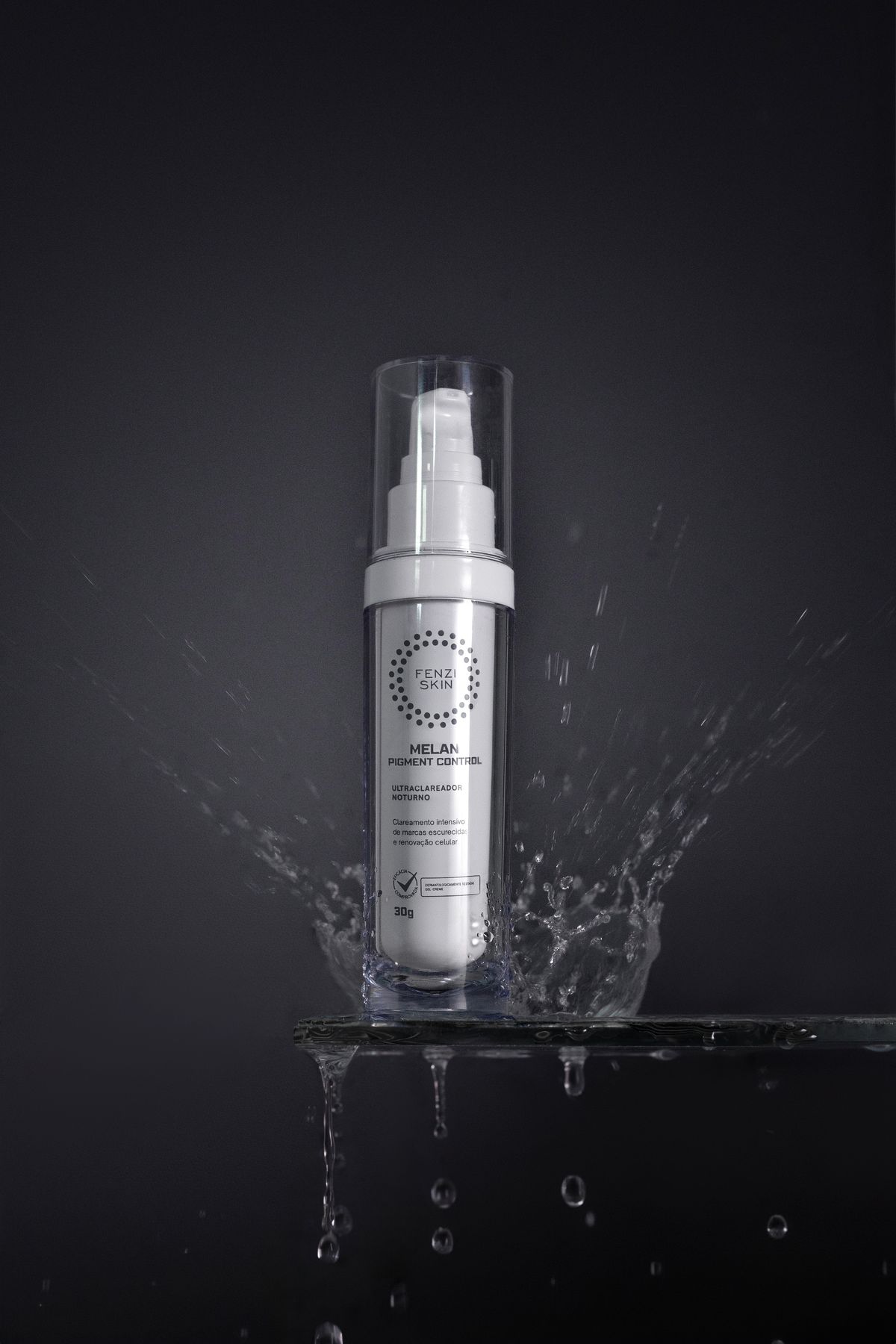
Die Bilder sind Stockfotos, keine Ergebnisse dieser Vorlagen.
Von einem Bildzu fertigen Einstellungen
Nichts zu schreiben, außer du willst. Jede Einstellung ist eine eigene Generierung, mit Preis, bevor du auf Generieren drückst.
01
Ein Bild hinzufügen
Ein Produktfoto vor schlichtem Hintergrund funktioniert am besten. Füg einen Produktnamen oder eine Kernbotschaft hinzu, wenn du magst.
02
Rezept und Preis prüfen
Jede Einstellung zeigt Prompt, Länge und Credits. Änderst du Modell, Format oder Auflösung, aktualisiert sich der Preis.
03
Generieren
Jede Einstellung läuft als eigener Auftrag mit eigener Reservierung. Eine fehlgeschlagene Einstellung wird automatisch nicht berechnet; die anderen bleiben erhalten.
 Bildvorlage4 Bilder