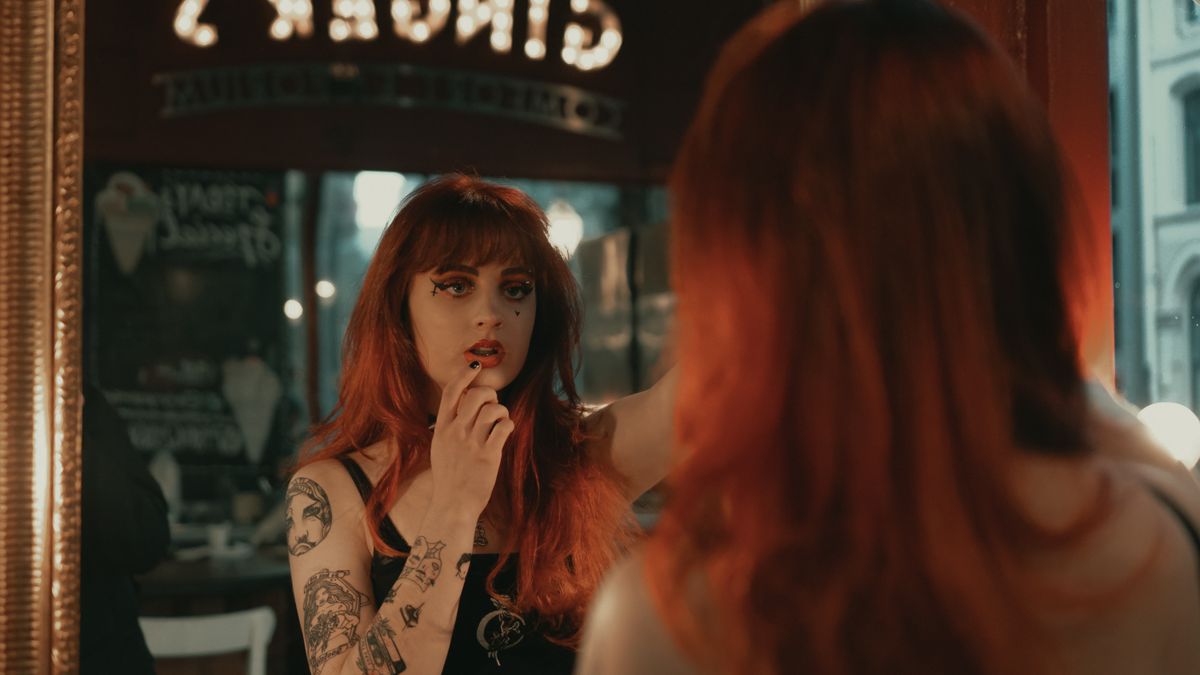
 CUT 02
Drama close-up
Fast · 720p · 8 s54 cr≈ $0.54
Close-up in a café mirror, warm practical lights, she hesitates, then looks back at camera.
Write or paste your script in a project and split it into shots. Save each character once and use it in every episode; faces can still vary. Every shot is priced before it runs.
A close-up with a held beat and a wide establishing shot, each with its price.
CUT 02Fast · 720p · 8 s54 cr≈ $0.54
Close-up in a café mirror, warm practical lights, she hesitates, then looks back at camera.
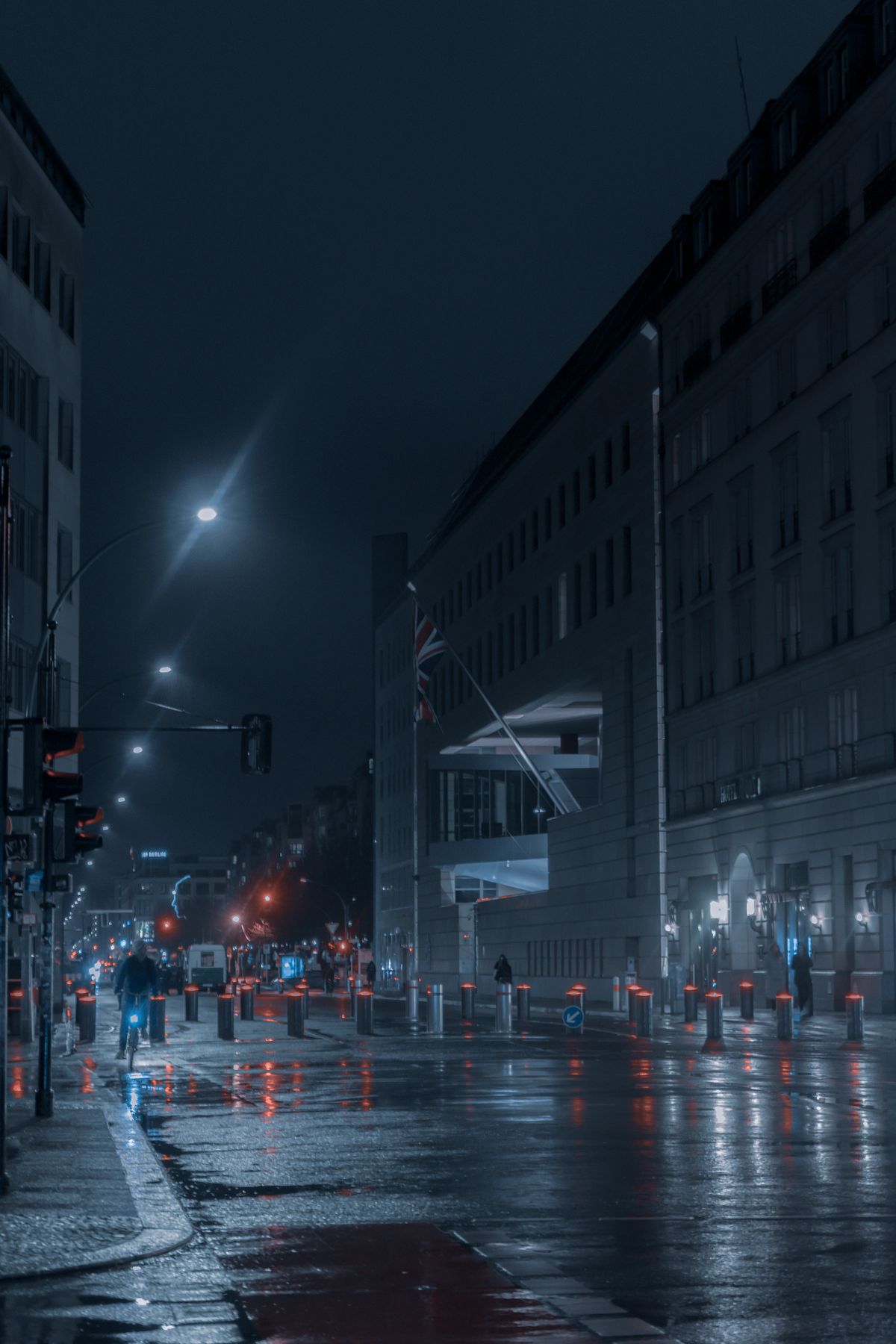 CUT 07
Mini · 480p · 5 s10 cr≈ $0.10
Rainy avenue at blue hour, traffic lights reflect on the road, static wide shot.
Turn a still into a close-up that moves, or one image into a wide, a medium and a close-up shot.
Frames are stock photos, not renders of these templates.
A brand kit's default characters join every new project's cast, and its tone shapes a new script's style. Each character is saved once in the character library.
A project holds the script, its scenes and episodes, and every shot on a storyboard.
Name the project, then write or paste the script. Saving it and splitting it into shots are free.
Each shot keeps its prompt, its characters and its price. Pick the shots to run.
Run several shots at once with Samples first on, and the first picked shot of each scene runs first, at most 3. The rest waits until you approve them on the web.
Approve a take for each shot, then join them in order into one video or export them in one ZIP.
Real renders are not open yet
Leave your email and we will write once, when they open.